
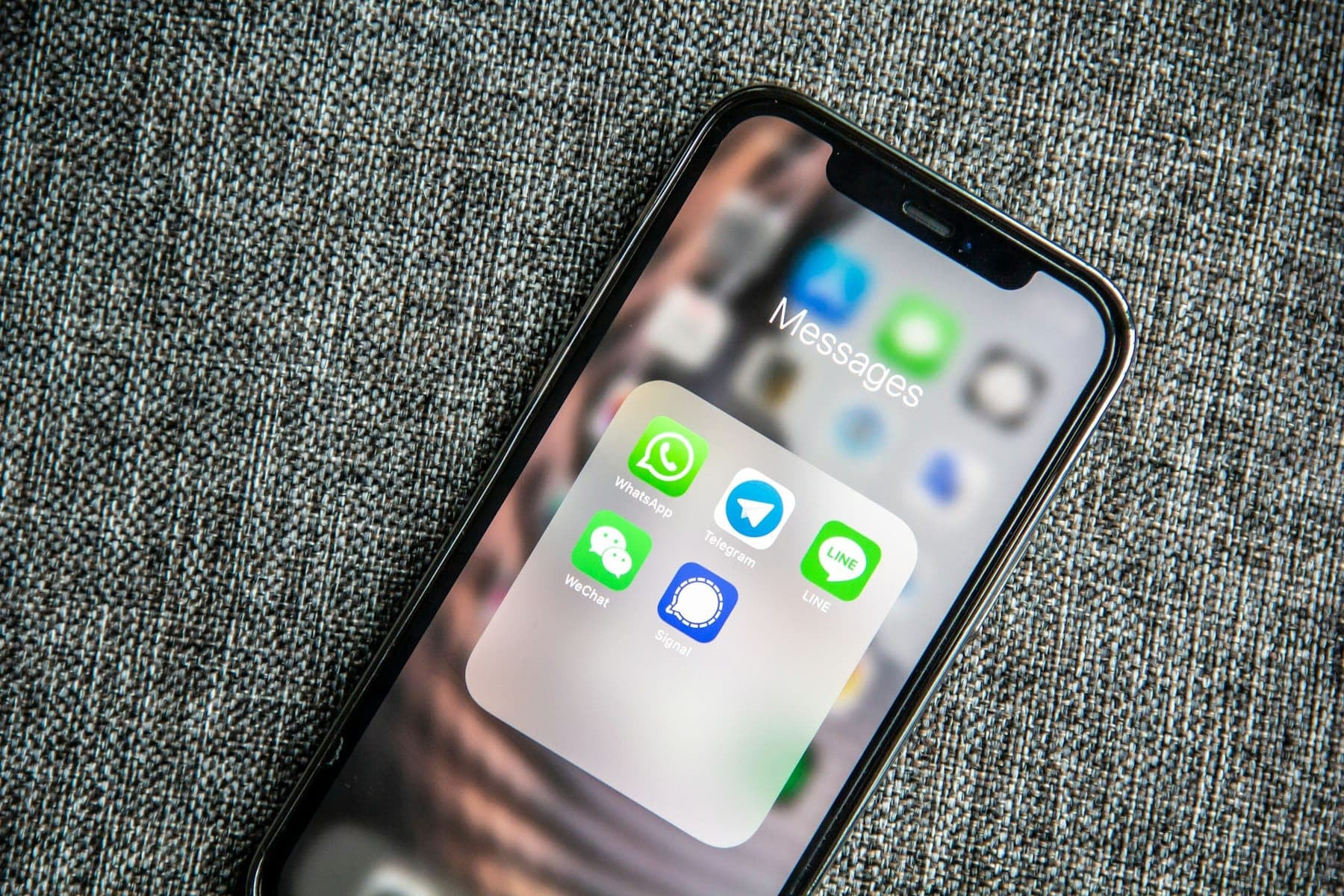
For a huge number of businesses, WhatsApp is where customers already are. They ask about prices, opening hours, availability and order status there, often late in the evening, and they expect a quick answer. That makes it one of the most useful places to put an AI assistant, and one of the easiest places to annoy customers if it is done badly.
What a WhatsApp Chatbot Handles Well
The repeated questions. Prices, timings, location, what is included, delivery areas, how to book. These usually make up most incoming messages, and the answers already exist in your price list and policies.
Collecting details before a human steps in. Name, what they need, date, budget, location. When your team picks up the conversation, the basics are already there.
Booking and order status. Checking availability, confirming an appointment or telling a customer where their order is, when the assistant is connected to your own system.
Replying out of hours. An instant, helpful first reply at nine in the evening keeps leads warm until your team starts work the next morning.
What It Should Not Try to Do
- Complaints and sensitive situations. These go to a person, quickly.
- Anything involving money changing hands without a human check, at least until the process is proven.
- Guessing. If the assistant does not know, it should say so and hand over, not invent an answer.
The Handover Is the Most Important Feature
The difference between a chatbot customers like and one they hate is the handover to a human. A good assistant:
- recognises when it is out of its depth,
- tells the customer a person will take over,
- passes the whole conversation to your team so the customer never repeats themselves.
Design this first. Everything else is secondary.
Be Honest That It Is Automated
Customers are generally fine talking to an assistant. They are not fine discovering later that the "person" they were talking to was a bot. Make it clear from the first message, and give an easy way to ask for a human.
Built on Your Information, Not the Internet
A business assistant should answer from your own documents (your services, prices, policies and frequently asked questions) rather than from general knowledge. That keeps answers accurate and on-brand, and it means updating the assistant is as simple as updating the documents it reads.
Your information should stay in your own accounts and should not be used to train anything public.
Using the Official WhatsApp Business Route
For a business assistant, use WhatsApp's official business platform rather than unofficial tools that automate a personal account. Unofficial approaches risk the number being blocked, which for many businesses would be a disaster. The official route involves message templates and per-conversation fees set by WhatsApp, so include those running costs in your planning.
Where It Pays Back Fastest
- Clinics and salons: appointments, timings and reminders.
- Shops and online stores: stock questions, order status and delivery areas.
- Venues and service businesses: availability checks and collecting enquiry details.
- Property businesses: collecting what a buyer or tenant is looking for before an agent calls.
How to Start
- List the top ten questions your team answers every week, with the correct answers.
- Decide the handover rules: which topics always go to a person, and within what time.
- Pilot on real conversations with a person reviewing the assistant's replies.
- Measure response time, how many conversations are fully handled and how many are handed over, and what customers say.
- Expand to bookings or order status once the basics hold up.
Start small and keep a human close until the accuracy is proven on real messages, not on a demo.
If your team spends hours a day answering the same messages, tell us what customers usually ask and we will show you what an assistant could handle and what should stay with your staff.