
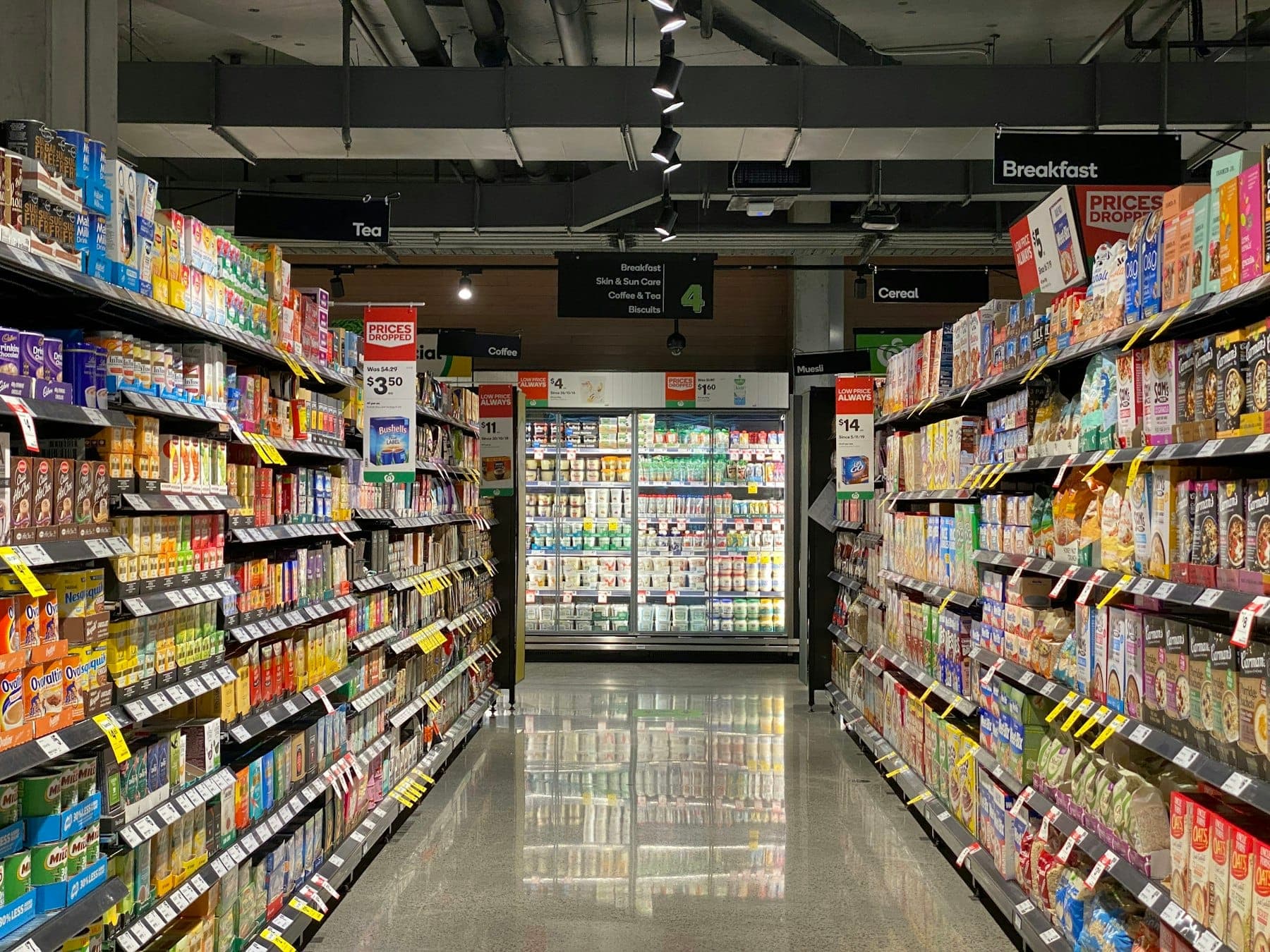
Every retailer eventually discovers that sales and stock have drifted apart. The till says one thing, the shelf says another and the spreadsheet says something else again. By the time it shows up in a stocktake, the money has already been lost to over-ordering, stock-outs or shrinkage nobody can explain.
Good inventory and point of sale (POS) software keeps sales and stock in step automatically. The question is whether a standard product will do that for your business, or whether you need something built around it.
What Every Retail System Needs
A fast checkout. Scanning or searching items, discounts, multiple payment methods and a receipt, quickly, even at the busiest hour.
Stock that updates itself. Every sale, return and delivery adjusts stock levels without anyone typing anything twice.
Purchasing and suppliers. Purchase orders, deliveries checked against what was ordered, and supplier history.
Reorder alerts. A warning before a best-seller runs out, not after.
Reports owners actually read. Sales by day, product and branch; margins; slow-moving stock; what is tied up on the shelves.
User roles and an audit trail. Cashiers, managers and owners see different things, and every price change, refund and stock adjustment records who made it.
When an off-the-Shelf POS Is Enough
For a single shop with a straightforward product range, a standard POS product is usually the right answer. It is quick to set up, affordable and well supported. Buy one, set it up properly and spend your energy on selling.
When Custom or Extended Software Makes Sense
- You sell in several places (branches, an online store, marketplaces, wholesale) and stock has to be shared accurately across all of them.
- Your products are unusual: variants, bundles, weights, serial numbers, expiry dates or made-to-order items that standard tools handle awkwardly.
- You have wholesale or credit customers with their own price lists, credit limits and statements.
- Your accounting, delivery or e-commerce tools do not talk to your POS, so someone copies data between them every day.
- Owners want one view of the whole business, live, without asking staff for reports.
Often the right answer is to keep a good POS at the till and build the connections and back-office system around it, rather than replacing everything.
Offline Matters
If the internet drops during a busy afternoon, the shop must keep selling. Ask any supplier how the system behaves offline and how sales made offline sync back afterwards. This is a requirement, not a nice extra.
We take offline seriously because we have built for it. Our self-service queue kiosk runs entirely offline on purpose: if there is no network, there is nothing that can fail at the counter in the middle of a rush.
Getting Your Data in Order First
Software cannot fix messy product data. Before any new system goes live, clean up:
- product names, codes and categories,
- current stock counts (do a proper count, not an estimate),
- supplier details and prices.
Migrating bad data into good software just gives you faster wrong answers.
A Sensible Rollout
- Start with one branch or one counter, run it alongside the old method for a short period, and fix the friction.
- Train cashiers on the real checkout, not a demo, and watch the first busy day in person.
- Add purchasing and reorder alerts once sales and stock are flowing correctly.
- Connect online sales and accounting last, once the core is trusted.
If your stock and sales never quite agree, or your team is copying numbers between systems every evening, tell us how you sell and where it hurts. We will tell you whether a standard POS will do, or whether something built around it would pay for itself.