
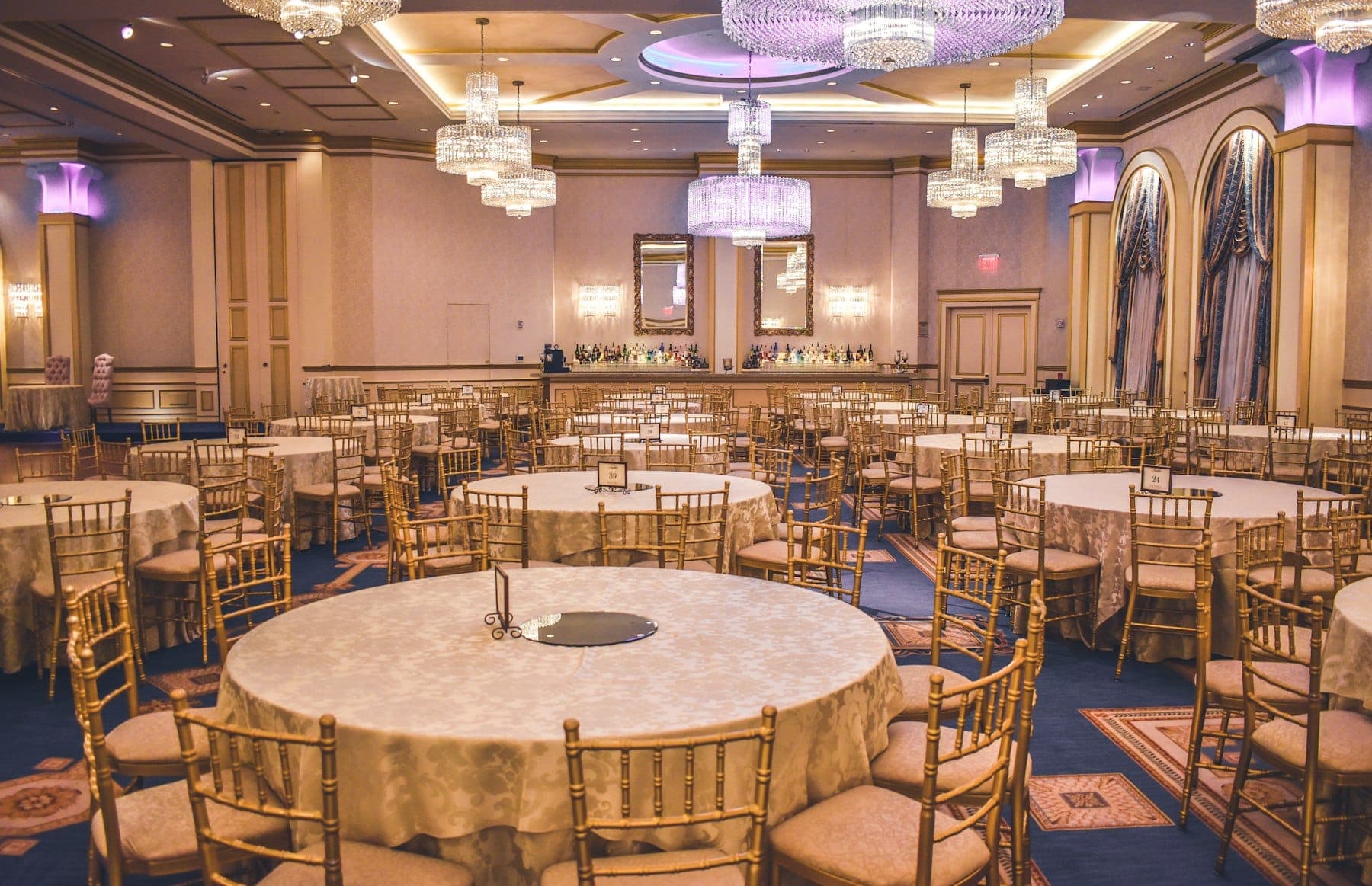
Venues and event businesses have a booking problem that generic tools rarely understand. A wedding hall, banquet venue or event space is not booking an hour of time. It is booking a date and a session, a hall within a building, a menu, a guest count, extras that change right up to the day, and a payment that arrives in several stages.
When that lives in a paper diary, a stack of receipts and the manager's memory, double bookings and billing disputes are only a matter of time.
We built Hall Ease, a booking and billing system for marriage halls, so this article comes from building exactly this kind of software and watching it used.
What Venue Software Actually Needs to Do
Bookings by date, session and space. Most venues run more than one session a day and often more than one hall. The calendar has to show what is free at a glance and make a double booking impossible, not just unlikely.
Itemised bills, not a single total. Clients argue about totals. They rarely argue about an itemised bill that shows the hall charge, the menu per head, the guest count, decorations and extras line by line. An itemised bill is the single biggest reducer of disputes.
Payments in stages. An advance to secure the date, further payments as the event approaches and the balance on the day. The system should show exactly what has been paid, what is outstanding and when.
Receipts that look professional. A branded receipt for every payment, sent or printed on the spot, builds trust and ends the "I already paid you" argument.
A clear status for every booking. Enquiry, confirmed, completed, cancelled. A booking should only move forward in a sensible order, and every change should be recorded with who made it.
Why Enforcing the Rules Matters
One lesson from building Hall Ease: the software has to enforce the business rules, not just record whatever is typed in.
If a booking can be marked completed without its balance being settled, someone will eventually do it by mistake. If a cancelled booking can quietly come back to life, the calendar stops being trustworthy. Building the status rules into the system itself, so that impossible changes are simply blocked, is what turns a digital diary into something the owner can rely on.
Managers on Their Phones
Venue managers are rarely at a desk. They are walking the hall, meeting caterers and showing families around. Venue software has to work well on a phone:
- check availability while talking to a client,
- create a booking and take an advance on the spot,
- share the bill or receipt instantly by message,
- see today's events and outstanding balances in one screen.
Buy or Build?
There are general event and booking tools, and some venues will be well served by one. Custom or specialist software makes sense when:
- your pricing combines hall charges, per-head menus and extras in a way generic tools cannot express,
- you run several halls or branches and need one view across them,
- you need bills and receipts in your own branding and format,
- you want owners to see revenue, bookings and outstanding balances without asking staff.
Hall Ease is offered to venues as a monthly subscription for exactly this reason: halls get software built for halls without paying for a full custom build.
Getting the First Version Right
- Start with the calendar and the bill. These two carry most of the value and most of the risk.
- Add payments and receipts next, so money is tracked from the very first advance.
- Then reporting: monthly revenue, upcoming events, outstanding balances and busy dates.
- Train the staff on real bookings, not on a demo. Adoption is the whole game in a venue.
If your venue still runs on a diary and a receipt book, or your current tool keeps getting in the way, tell us how a booking flows from first call to final payment and we will show you what a better system would look like.